
How to Set Par Levels and Automate Purchase Orders (Easy Guide for Restaurant Operators)
How to Set Par Levels and Automate Purchase Orders (Easy Guide for Restaurant Operators)
!Par Levels and Purchase Orders Guide
It's 6 PM on a Friday. Your kitchen is slammed. And you just ran out of chicken.
Sound familiar?
Running out of key ingredients during service is every operator's nightmare. But so is the opposite problem: a walk-in stuffed with produce that's going bad before you can use it.
The solution? Par levels.
Setting the right par levels—and automating your purchase orders around them—means you'll always have what you need. No more emergency runs to the grocery store. No more throwing away spoiled inventory. No more guessing.
Let's break it down.
What Are Par Levels (And Why Should You Care)?
Par levels are simple. They're the minimum quantity of each ingredient you should always have on hand.
Think of it as your safety net.
When you set a par level for chicken at 70kg, you're telling yourself: "I never want to have less than this in my walk-in."
Why does this matter?
- Prevents stockouts. No more 86'd menu items during your busiest shift.
- Reduces waste. You're not over-ordering and watching food spoil.
- Optimizes cash flow. Your money isn't tied up in excess inventory.
- Creates consistency. Every location runs on the same system.
Without par levels, you're flying blind. With them, you're in control.
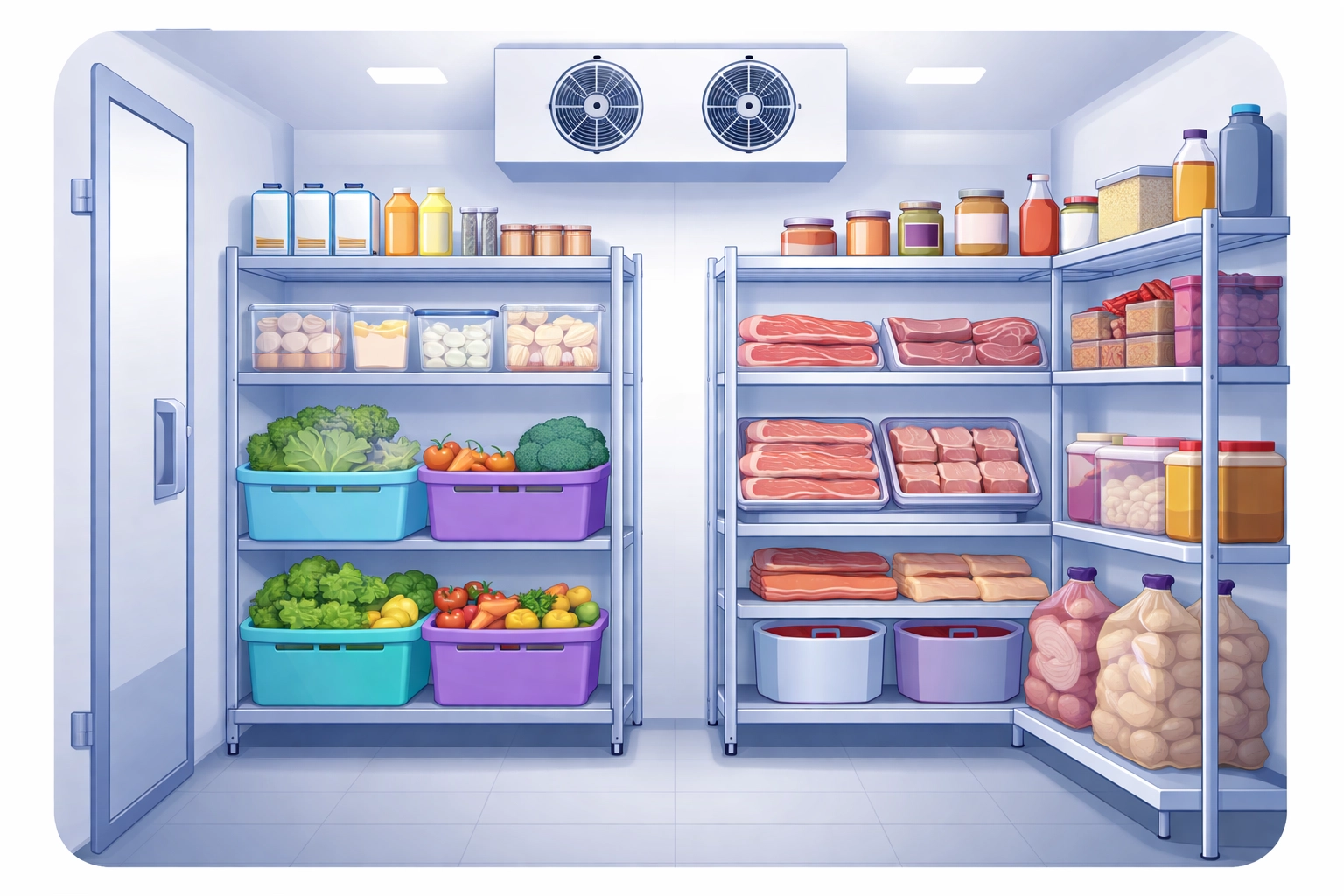
!Organized restaurant refrigerator shelves showing optimal par levels
The Par Level Formula (It's Easier Than You Think)
Here's the basic calculation:
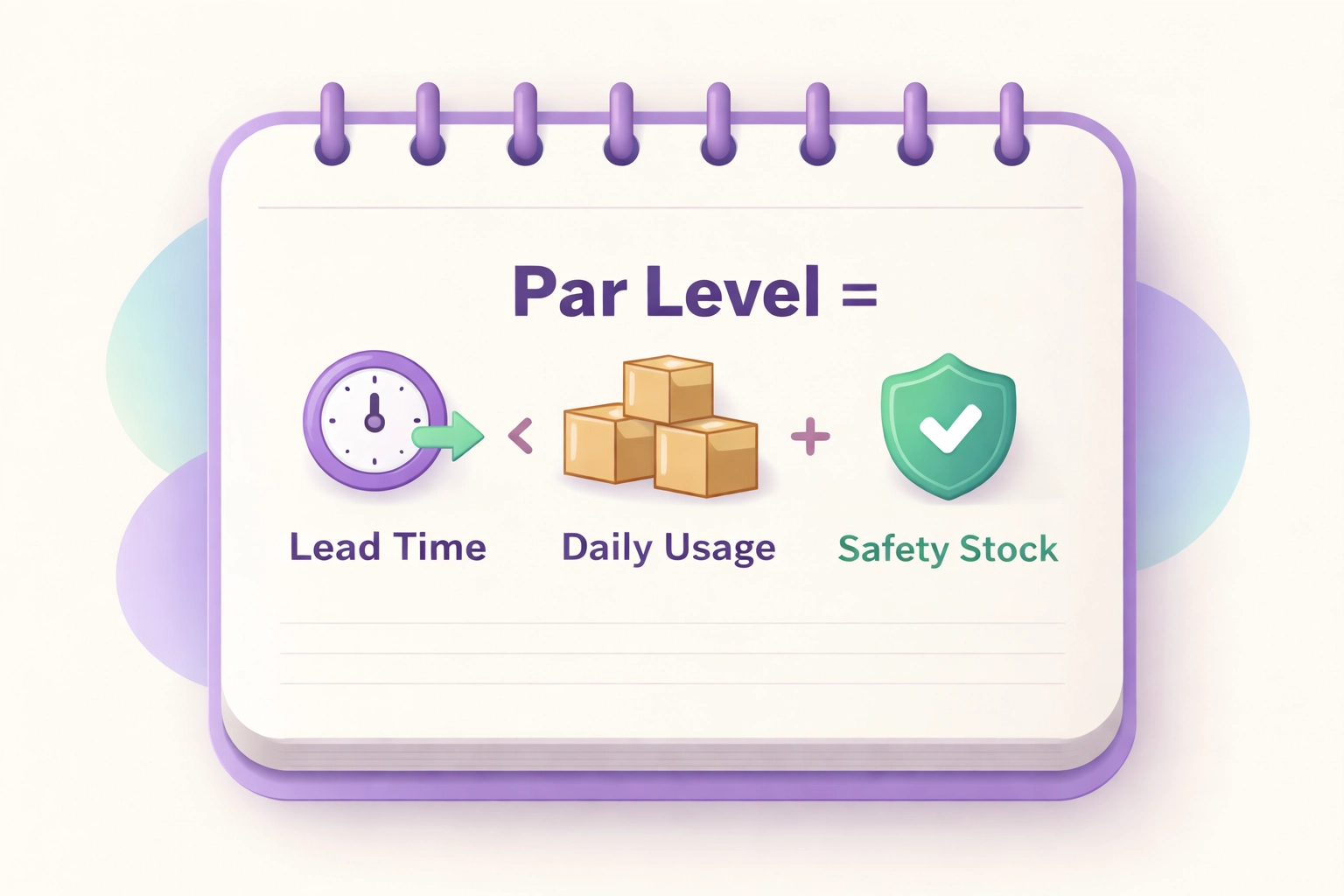
Par Level = (Average Daily Usage × Lead Time) + Safety Stock
Let's break that down:
- Average Daily Usage: How much of an ingredient you use per day
- Lead Time: How many days it takes for your supplier to deliver
- Safety Stock: A cushion for unexpected demand or delays
A Real Example
Say you use 20kg of chicken per day. Your supplier takes 3 days to deliver. You want 10kg as a safety buffer.
Your par level = (20 × 3) + 10 = 70kg
That's it. Now you know you need at least 70kg of chicken on hand at all times.
Alternative Formula for Weekly Planning
If you think in weekly terms, try this:
Par Level = (Weekly Inventory Usage + Safety Stock) ÷ Number of Deliveries Per Week
If you go through 140kg of chicken per week, want 20kg as safety stock, and get two deliveries per week:
Par Level = (140 + 20) ÷ 2 = 80kg per delivery
Pick whichever formula fits how you operate.
How to Set Par Levels: 5 Practical Steps
You don't need complex data analysis to get this right. Here's the straightforward approach.
!Illustration of par level formula with calculator and icons
Step 1: Pull Your POS Data
Start with what you already have. Export your inventory list from your point-of-sale system into a spreadsheet.
This gives you historical usage patterns. You'll see what sells, how much, and when.
Step 2: Figure Out Your Lead Times
How long does each supplier take to deliver? If your produce guy delivers every Tuesday and Friday, your par needs to cover the gap between those deliveries—plus a cushion.
Write down the lead time for each supplier and ingredient category.
Step 3: Segment Your Items
Not all inventory is equal.
Perishables (seafood, fresh produce, dairy) need tighter controls and higher safety stock. They spoil fast.
Dry goods (pasta, rice, canned items) can have lower safety stock. They're more forgiving.
High-value items deserve extra attention. Running out of your signature dish's star ingredient hurts more than running out of napkins.
Step 4: Use Educated Estimates
Here's a secret: you can get 80% of the way there with estimates.
Ask your most experienced line cook or bartender. How much chicken do they expect to go through on your busiest Saturday night? Build your par level around that answer.
You don't need a data science degree. You need common sense and staff input.
Step 5: Enter Everything Into Your System
Once you've calculated your par levels, put them somewhere useful. A spreadsheet works. Inventory management software works better.
The key is having the numbers documented and accessible—not just in someone's head.
How to Automate Your Purchase Orders
Setting par levels is step one. Automating your orders based on those levels? That's where the magic happens.
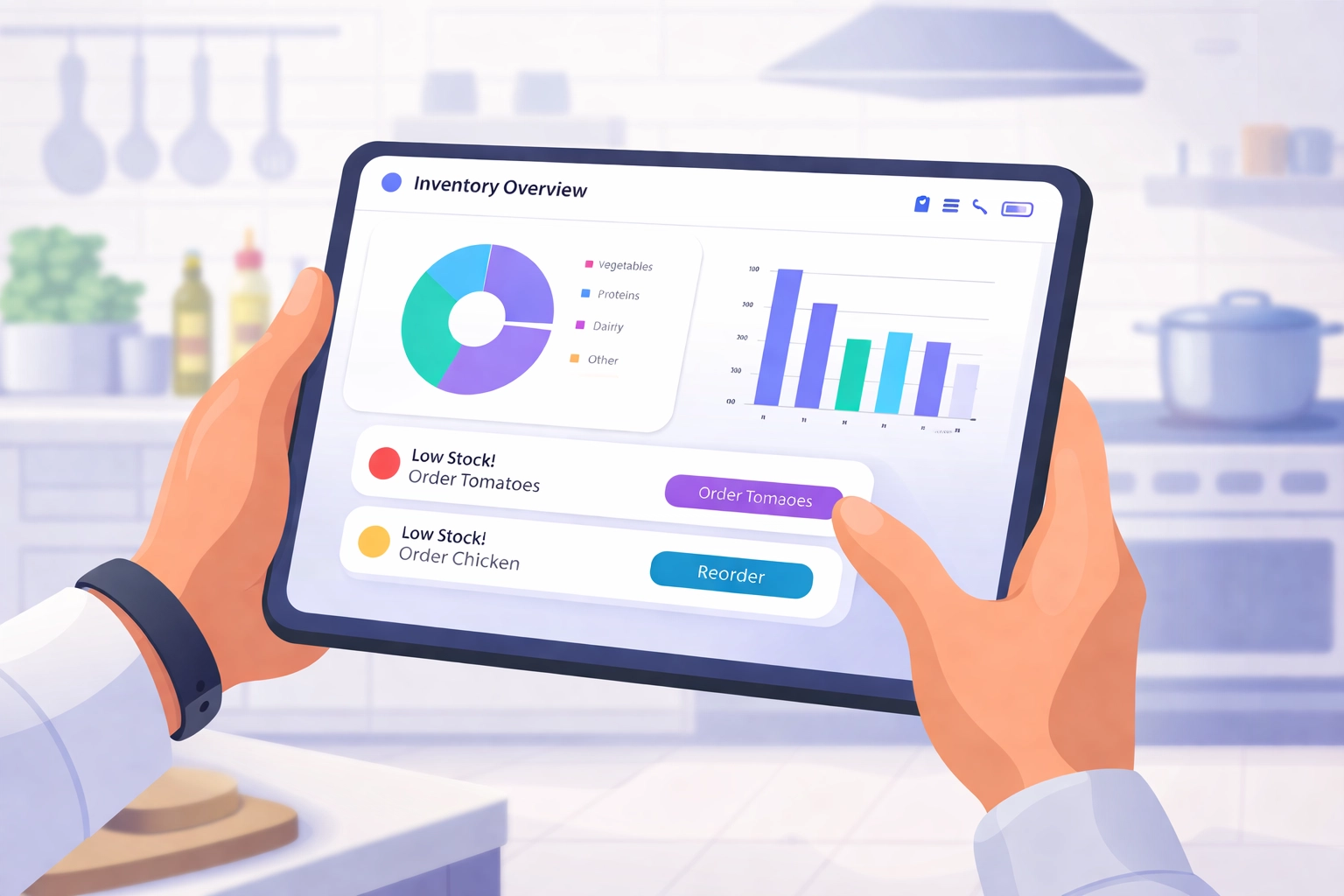
!Restaurant manager using a tablet to automate purchase orders
Enable Automatic Reorder Alerts
Set up your inventory system to ping you when stock drops below par. No more walking the walk-in with a clipboard. No more forgetting to order until it's too late.
When your chicken hits 65kg and your par is 70kg, you get a notification. Simple.
Use Real-Time Stock Tracking
The best systems pull sales data directly from your POS. They update your inventory counts in real time as dishes go out the door.
This means your par levels can adjust dynamically. Running a special this week? Expecting a slow Tuesday? The system adapts.
Integrate With Your Suppliers
Connect your inventory software to your suppliers' ordering platforms. When par levels trigger, purchase orders can go out automatically.
No more sending 20 emails to 20 different vendors. One system handles it all.
Go Mobile
Let your staff update inventory counts from their phones. Real-time updates from the walk-in beat waiting for the manager to do it in the back office.
Speed matters. Accuracy matters more.
Par Level Best Practices
Getting par levels right isn't a one-time thing. It's an ongoing process. Here's how to stay sharp.
Review monthly. Menu changes, seasonal shifts, and supplier issues all affect your pars. Check them regularly.
Involve your team. Kitchen staff, purchasing, and finance should all weigh in. The person using the ingredients knows things the spreadsheet doesn't.
Stay consistent. Check par levels at the same time every shift. Before opening or after closing—pick one and stick with it.
Account for volatility. Some items have unpredictable demand. Some spoil fast. Adjust your safety stock accordingly.
Connect the dots. Link your inventory data to labor scheduling, recipe costing, and demand forecasting. Better data means better decisions.
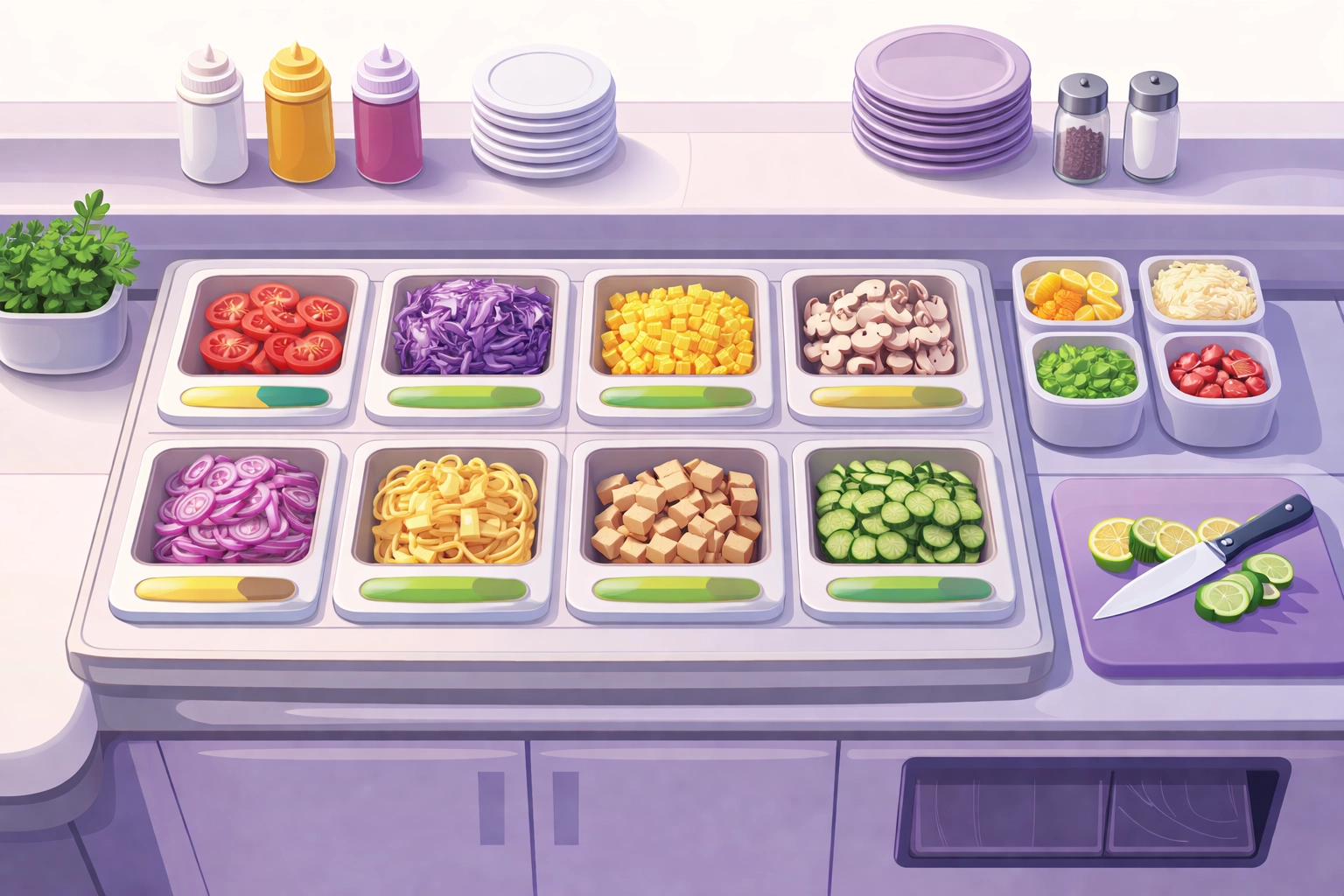
!Overhead view of kitchen prep station with ingredient containers
Common Par Level Mistakes (And How to Avoid Them)
Even smart operators get tripped up. Watch out for these:
Setting it and forgetting it. Par levels aren't permanent. They need regular updates.
Ignoring seasonality. Your summer pars shouldn't match your winter pars. Adjust for the reality of your business.
Treating all items the same. A case of napkins isn't the same as a case of fresh shrimp. Different items need different approaches.
Not accounting for lead time changes. Suppliers get slower. Shipping gets weird. Build flexibility into your system.
Relying on memory. Write it down. Put it in software. Don't trust anyone's memory—including your own.
Bringing It All Together
Here's the bottom line:
Par levels are your safety net. They keep you from running out of critical ingredients and from over-ordering things you don't need.
The formula is simple: Average Daily Usage × Lead Time + Safety Stock.
The setup takes a few hours. The payoff lasts forever.
And when you automate purchase orders around those par levels? You free up hours every week. Hours you can spend on your customers, your team, or actually taking a day off.
If you're ready to stop managing inventory with sticky notes and gut feelings, StockTide can help. Real-time tracking, automated reorder alerts, and supplier integrations—all in one place.
No more 86'd menu items. No more spoiled produce. No more chaos.
Just a kitchen that runs like it should.
Ready to try xTide?
Start your free 30-day trial and see how xTide can streamline your restaurant operations.
Start Free Trial