
7 Mistakes You're Making with Restaurant Scheduling Software (and How to Fix Them)
7 Mistakes You're Making with Restaurant Scheduling Software (and How to Fix Them)
!7 Restaurant Scheduling Mistakes
You bought scheduling software to make your life easier. So why are you still drowning in shift swaps, overtime headaches, and angry texts at 11 PM?
Here's the thing. Most restaurant operators make the same scheduling mistakes over and over. Not because they're bad at their jobs. Because nobody taught them otherwise.
Let's fix that.
These are the seven mistakes killing your labor efficiency—and exactly how to solve each one.
Mistake #1: You're Still Using Spreadsheets (or Worse, Paper)
We get it. Excel feels familiar. That whiteboard in the back office has been there since 2014. Why change what "works"?
Except it doesn't work. Not really.
Manual scheduling eats 5-8 hours of management time every week. Time-off requests get lost in text threads. Availability changes disappear into the void. And when someone no-shows? Chaos.
The fix: Ditch the spreadsheets. Use dedicated restaurant scheduling software with drag-and-drop functionality. Build schedules in minutes. Publish instantly to every team member's phone.
No paper trails. No "I didn't see the schedule" excuses. No more midnight scrambles.
Mistake #2: You're Scheduling Based on Gut Feeling
"Tuesdays are always slow."
Are they though? Or did you just assume that three years ago and never checked again?
Gut-feeling scheduling leads to two painful outcomes. Overstaffing on quiet nights—money walking out the door. Understaffing on busy ones—stressed servers, long wait times, bad reviews.
Neither is good for business.
The fix: Let data do the heavy lifting. Modern scheduling platforms analyze your historical sales patterns. They know Sunday brunch needs six servers, not four. They know Wednesday dinner can run lean.
Good software achieves 85-99% forecasting accuracy. Your gut? Not even close.
!Restaurant manager reviews scheduling software dashboard with sales data

Mistake #3: You're Rushing Through Schedule Creation
Friday afternoon. You need next week's schedule posted by EOD. So you throw something together in 20 minutes and call it done.
Sound familiar?
Speed without strategy creates problems. You accidentally schedule your strongest closer on a slow Monday. Your newest hire ends up alone during Saturday rush. Labor costs spike because you didn't think about overtime thresholds.
The fix: Slow down. Spend an extra 15 minutes reviewing demand forecasts. Check who's approaching overtime. Match skill levels to expected volume.
Quality scheduling prevents service failures. It keeps employees happy. It protects your margins.
A little intentionality goes a long way.
Mistake #4: You're Flying Blind Without Real-Time Data
Your schedule looked perfect on Monday. By Thursday, everything changed.
Sales are up 30% because of that viral TikTok review. Your morning prep cook called out sick. The afternoon server picked up three extra shifts and is now in overtime territory.
But you don't know any of this. Because your scheduling tool doesn't talk to your other systems. You're making decisions with yesterday's information.
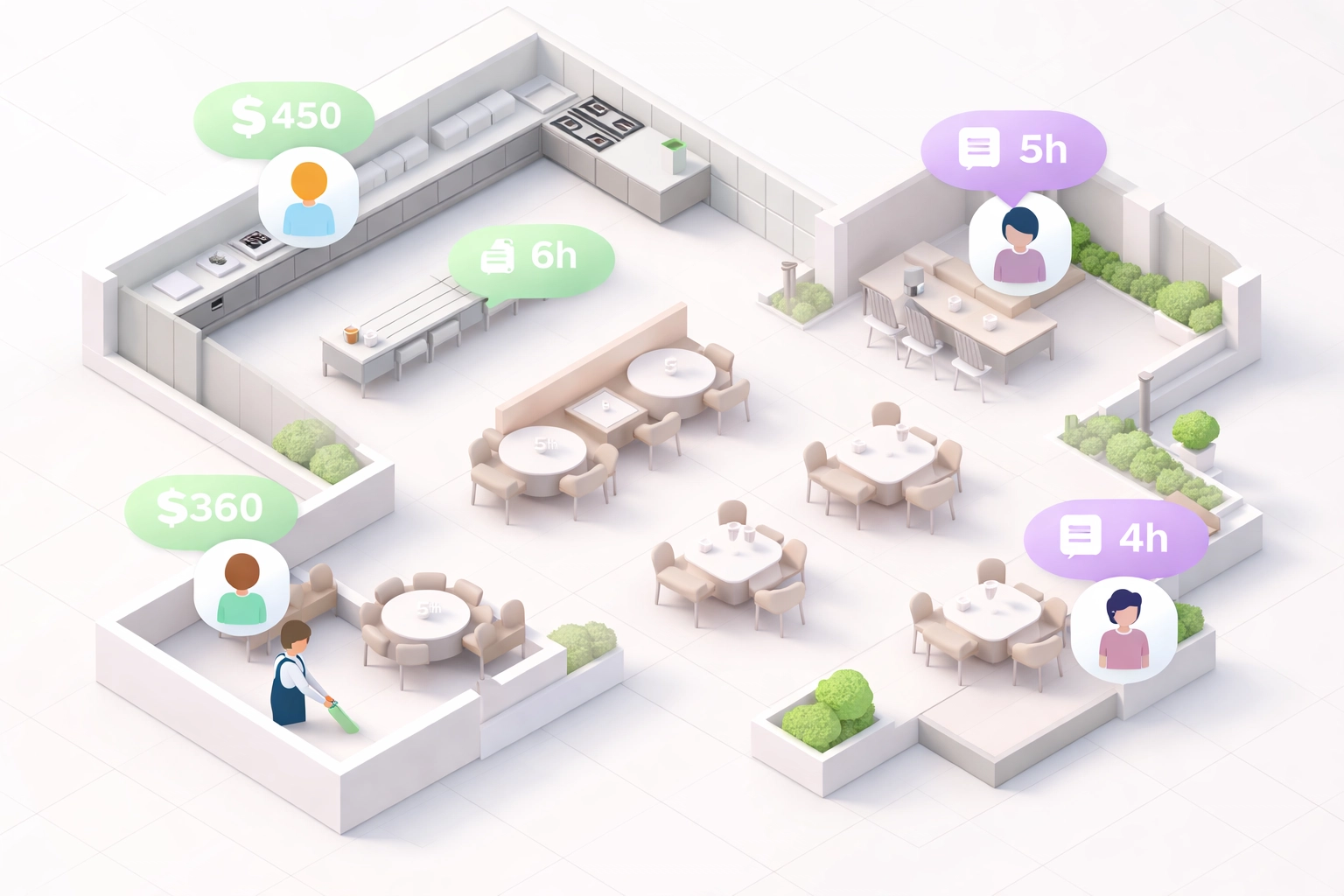
The fix: Choose scheduling software that provides real-time labor data. Track hours worked against budgeted hours. See labor costs as a percentage of sales—updated live.
When you can see problems forming, you can fix them before they explode.
!Overhead view of restaurant staff and live labor cost data
Mistake #5: Your Scheduling Lives in a Silo
Your scheduling software doesn't connect to payroll. Your POS data lives in a different universe. Inventory management? Forget about it.
You've got three tools doing three separate things. None of them talking to each other.
This creates blind spots. Massive ones.
You can't see how labor decisions affect food costs. You can't correlate staffing levels with actual sales performance. Every decision happens in isolation.
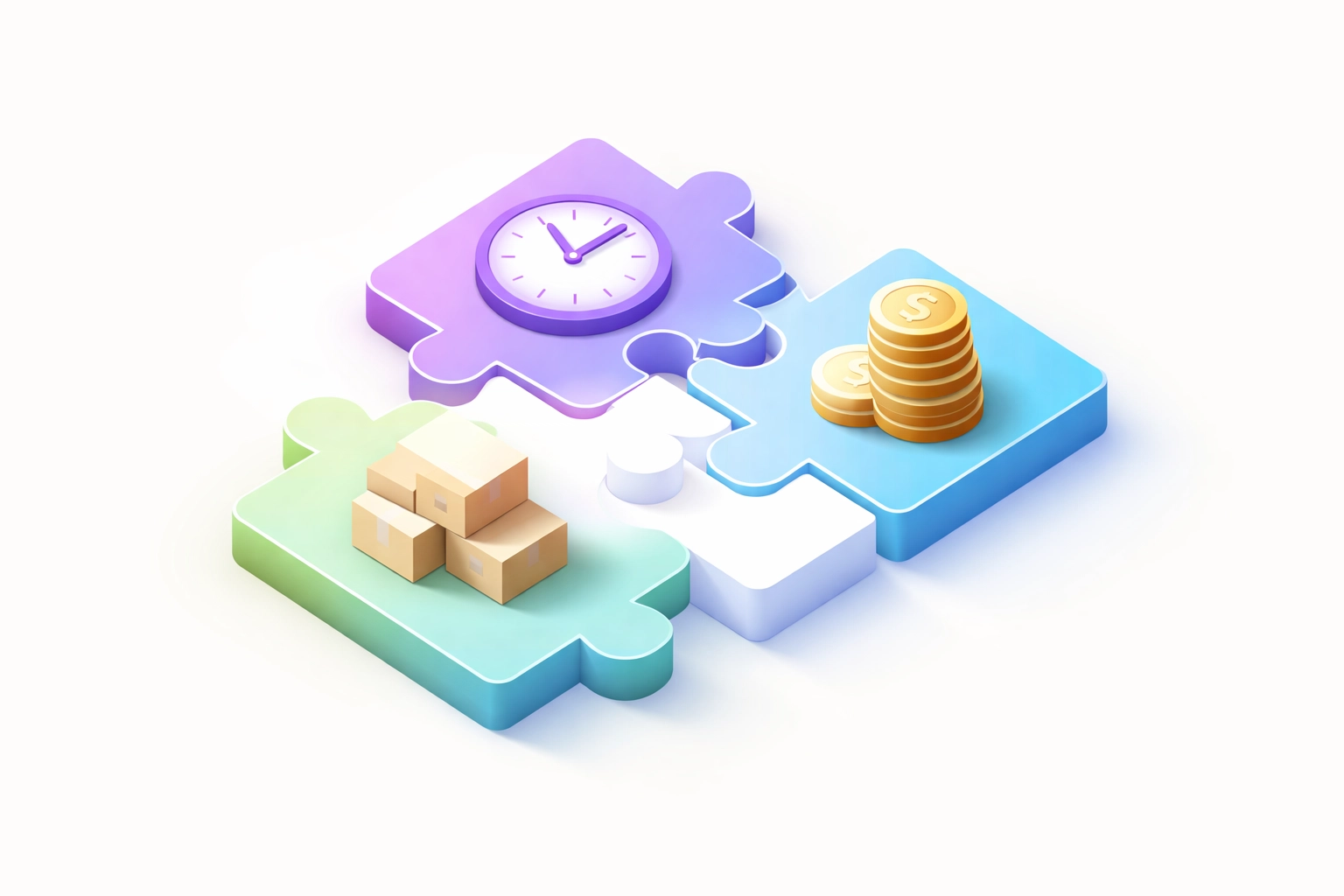
The fix: Integration is everything. Your scheduling platform should connect seamlessly with payroll, POS, and inventory systems.
That's exactly why we built xTide as an all-in-one platform. ShiftTide for scheduling. StockTide for inventory. TipTide for tip distribution. All connected. All sharing data.
One source of truth. No more silos.
Mistake #6: You're Ignoring Employee Availability and Preferences
Maria requested next Friday off three weeks ago. You forgot. Now she's on the schedule, she's furious, and you're short a server because she's not coming in anyway.
This happens constantly. Time-off requests buried in emails. Availability changes mentioned in passing. Preferred shifts ignored entirely.
The result? Low morale. High turnover. Constant scheduling conflicts.
!Frustrated restaurant worker resolves scheduling conflicts with an easy employee scheduling app

The fix: Use software that tracks availability automatically. Employees input their preferences directly. Time-off requests route through the system—visible and organized.
When you build schedules, the software already knows who's available. No guessing. No forgotten requests. No angry texts.
Also: publish schedules early. At least two weeks in advance. Your team has lives outside work. Respect that, and they'll respect you back.
Mistake #7: You Never Trained Your Managers on the Software
You invested in a scheduling platform. Great. But your shift leads still build schedules the old way. They use maybe 10% of the features. The rest? Untouched.
It's not their fault. Nobody showed them what the software can actually do.
The fix: Training matters. Carve out time to walk managers through the platform's full capabilities. Show them how to use forecasting. Demonstrate shift-swap automation. Explain the reporting dashboards.
Better yet: choose workforce management software designed for hospitality teams specifically. Intuitive interfaces. Mobile-first design. Built so even your least tech-savvy manager can become a scheduling pro.
Strong customer support helps too. When questions come up—and they will—you need answers fast.
The Real Cost of Scheduling Mistakes
Let's put numbers on this.
Every hour of overstaffing costs you $15-25 in wasted labor. Every understaffed rush costs you more—in lost sales, bad reviews, and burned-out employees who quit.
Turnover alone costs restaurants $5,864 per hourly employee on average. And nothing drives turnover faster than bad schedules.
Inconsistent hours. Last-minute changes. Ignored availability. These aren't minor annoyances. They're reasons people leave.
Fix your scheduling, and you fix a huge piece of your retention puzzle.
!Connected puzzle pieces representing integrated restaurant scheduling, inventory, and tip management
What Good Scheduling Actually Looks Like
Here's the dream scenario:
That's it. Three steps. Under 30 minutes.
No spreadsheets. No group texts. No Sunday-night scheduling panic.
Ready to Stop Making These Mistakes?
Scheduling doesn't have to be painful. The right software—used the right way—transforms it from a weekly headache into a 20-minute task.
ShiftTide was built for exactly this. Demand forecasting. Real-time labor tracking. Seamless integration with tip pooling and inventory. Everything restaurant operators actually need.
Join the restaurants already saving hours every week.
Start your free trial—no credit card required.
Ready to try xTide?
Start your free 30-day trial and see how xTide can streamline your restaurant operations.
Start Free Trial