
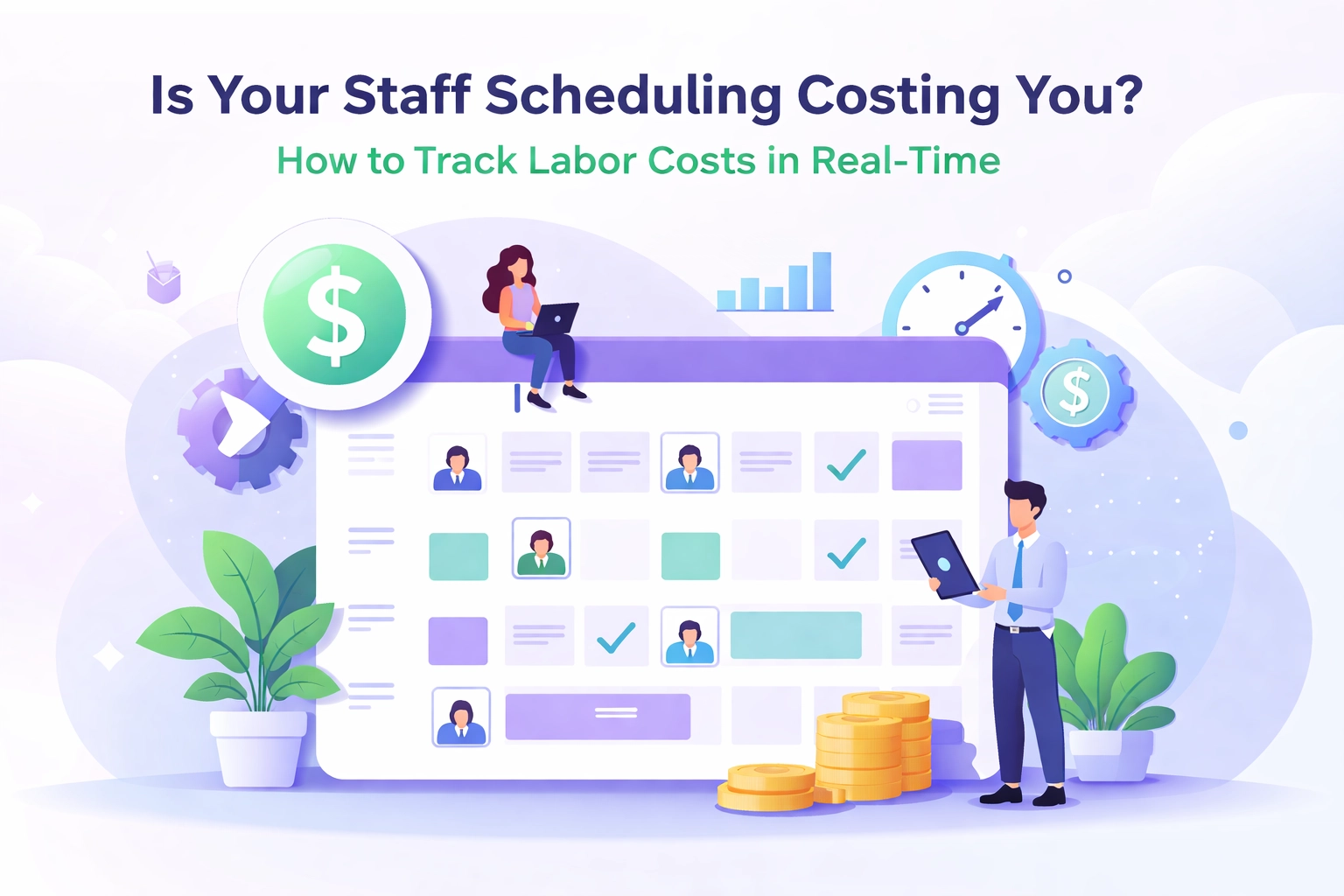
Is Your Staff Scheduling Costing You? How to Track Labor Costs in Real-Time
Is Your Staff Scheduling Costing You? How to Track Labor Costs in Real-Time
!Staff Scheduling and Labor Costs
You finished the schedule. Clicked publish. Felt productive.
Then payday hit. And your labor costs were 8% higher than projected.
Sound familiar?
Here's the uncomfortable truth: most restaurant operators don't know how much a schedule costs until the money is already spent. You're building shifts blind. Guessing at coverage. Hoping the numbers work out.
They usually don't.
Labor typically eats 25-35% of a restaurant's revenue. That makes it your biggest controllable expense. Yet most restaurant scheduling software treats it like an afterthought—something you calculate after the damage is done.
What if you could see the dollar impact of every shift while you're building it?
The Problem With "Schedule Now, Calculate Later"
Traditional scheduling goes something like this:
You're focused on coverage. Making sure someone's on grill. Someone's on expo. Enough servers for the Saturday rush.
But coverage doesn't equal profitability.
You might have the right number of bodies. But are they the right cost? Is that overtime you just scheduled going to murder your margins? Did you accidentally stack your three highest-paid line cooks on a Tuesday lunch?
You won't know until you export a report. Run payroll. Or worse, get blindsided when reviewing your P&L.
By then, it's too late to fix anything.
!Manager overwhelmed by receipts and spreadsheets

What Real-Time Labor Cost Tracking Actually Looks Like
Real-time labor cost tracking means seeing the financial impact of your decisions as you make them.
Not tomorrow. Not next week. Right now.
Here's what that looks like in practice:
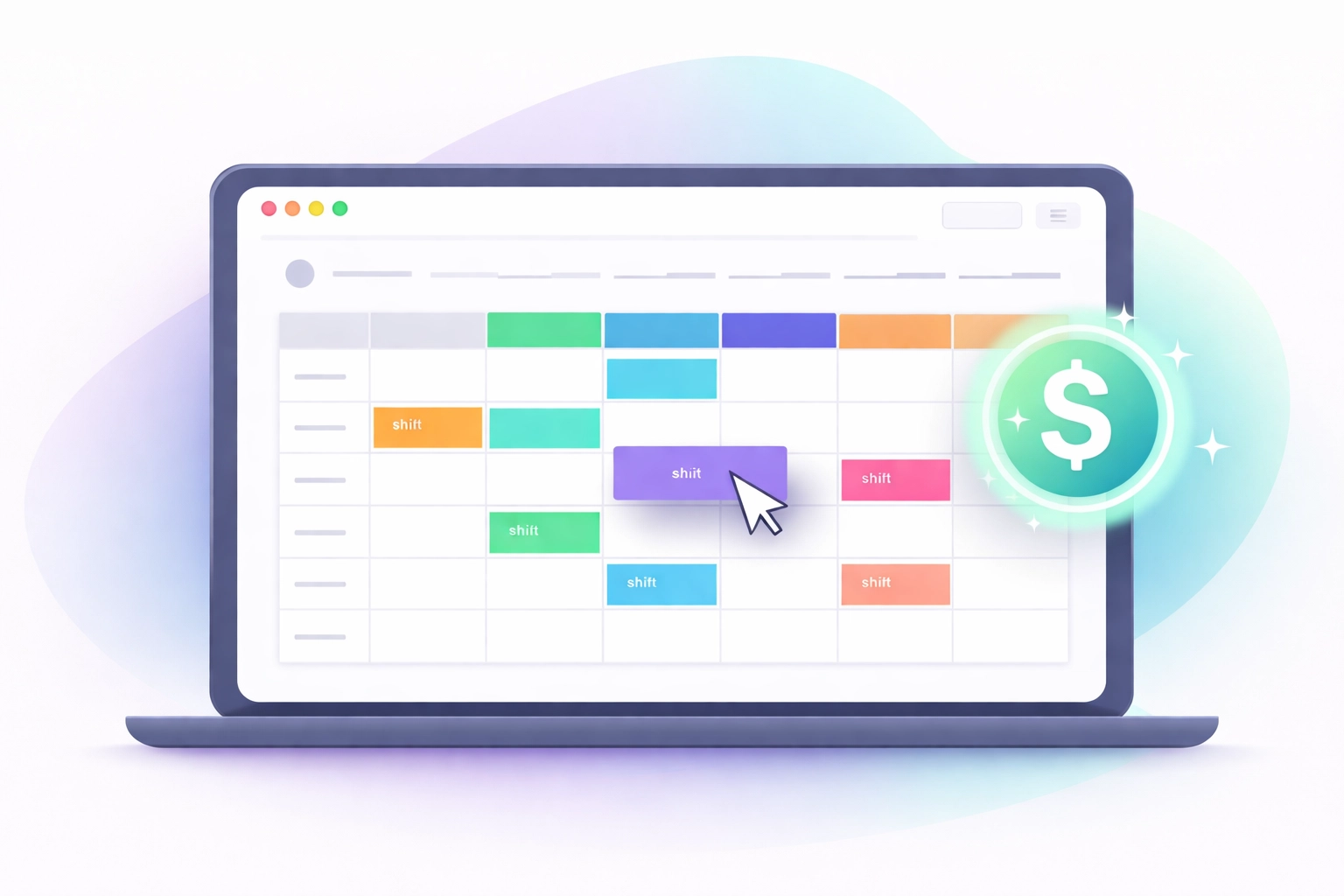
- You drag a shift onto the schedule. The dashboard updates instantly with the projected labor cost.
- You extend someone's shift by two hours. You see the overtime flag before you publish.
- You're building next week's schedule. A running total shows you exactly how much you're committing to spend.
No surprises. No post-mortem spreadsheet sessions. No "how did we blow the budget again?" conversations.
Modern systems use automatic cost code assignment—hours and wages flow into your labor calculations the moment you schedule them. According to industry research, this eliminates the tedious post-facto processing that causes delays and errors.
It's the difference between driving with a GPS and driving with a paper map you can only read after you've arrived.
Why This Matters More Than You Think
Let's get specific.
Say you're scheduling a Friday night. You need five servers. You drag in whoever's available.
What you don't see: two of those servers are at $18/hour, one's at $22/hour because of a recent raise, and two are new hires at $15/hour.
Your "five servers" could cost you anywhere from $75/hour to $110/hour depending on the mix.
Multiply that variance across every shift, every week, every location. Small blind spots become massive budget holes.
Real-time tracking surfaces these decisions. You can still choose the $22/hour server—maybe they're your best closer. But at least you're making an informed choice, not a blind one.
Contractors and service businesses using verified time tracking with real-time visibility save an average of $4,285 per worker annually. Restaurants running tight margins? That kind of savings is the difference between profit and loss.
How to Start Tracking Labor Costs in Real-Time
You don't need to overhaul your entire operation. You need a system that does the math for you, automatically.
Here's the three-step approach:
1. Set Your Wage Data Once
Input each employee's hourly rate, overtime rules, and any premium pay (weekends, holidays, etc.). Good staff management software pulls this into every calculation automatically—no re-entering data every time you build a schedule.
2. Build Schedules With Live Cost Visibility
As you assign shifts, watch your projected labor cost update in real-time. Set budget thresholds so you get alerts before you overspend—not after. This is where ShiftTide shines—you see the dollar amount change with every drag and drop.
3. Review Actuals Against Projections
After shifts are worked, compare what you scheduled against what actually happened. Did someone stay late? Did someone call out? This feedback loop helps you schedule smarter next time.
That's it. No complex setup. No accountant required.
!Schedule interface with real-time labor cost updates
Features That Actually Prevent Overstaffing
Seeing costs is step one. Preventing waste is step two.
Here's what to look for in hospitality scheduling software that actually helps you control labor:
Live Dashboards. Real-time views showing current labor costs, budget versus actual, and where you're trending. Filter by shift, role, or location to spot problems fast.
Overtime Alerts. Automatic flags when a scheduled shift pushes an employee into overtime territory. You decide if it's worth it—before you commit.
Budget Guardrails. Set weekly or daily labor cost limits. Get notified when your schedule approaches the threshold. No more "oops, we went 12% over."
Historical Patterns. See which days and shifts consistently run hot. Use past data to build leaner schedules without sacrificing service.
Mobile Approvals. Supervisors can review and approve changes from their phone. No more delays waiting for someone to get back to the office.
These aren't nice-to-haves. They're the difference between managing labor reactively and controlling it proactively.
The Hidden Cost of "Good Enough" Scheduling
Here's what most operators don't calculate: the cost of not having visibility.
It's not just the overstaffed Tuesday lunch. It's the compounding effect of:
- Scheduling overtime you didn't need
- Missing opportunities to cross-train lower-cost employees
- Never identifying which shifts consistently blow budget
- Reacting to problems instead of preventing them
One restaurant group found they were scheduling 15% more labor hours than needed—simply because their old system didn't show costs until after payroll ran. Fifteen percent. Every week. For months.
That's not a rounding error. That's profit walking out the door.
!Operator viewing dashboard with labor cost visibility

What Changes When You Can See Everything
Imagine opening your scheduling app and knowing—immediately—what next week is going to cost.
You see you're $400 over budget. You swap one shift from a senior server to a newer hire who needs hours anyway. Budget balanced. Coverage maintained. No drama.
Or you notice Friday's labor is light. You add a shift, knowing exactly what it costs, and avoid getting slammed during the dinner rush.
This is what real-time restaurant workforce management looks like. Not guessing. Not hoping. Knowing.
Stop Flying Blind
Your staff scheduling shouldn't be a financial mystery.
Every shift has a cost. Every schedule has a budget impact. You deserve to see both—before you hit publish, not after you run payroll.
ShiftTide gives you live labor cost tracking built right into your scheduling workflow. Build smarter schedules. Prevent overstaffing. Protect your margins.
Start your free trial and see what your schedule actually costs.
No credit card required • 30 days free
Ready to try xTide?
Start your free 30-day trial and see how xTide can streamline your restaurant operations.
Start Free Trial